Are Your Business Calls Going Missing? What iPhone Users Need to Know
By Jay Dobson
January 15, 2026
3:19 pm
iPhone business calls are crucial for small businesses. If you run a small business and use an iPhone, there’s a feature you need to know about that could be causing you to miss important customer calls.
The Problem
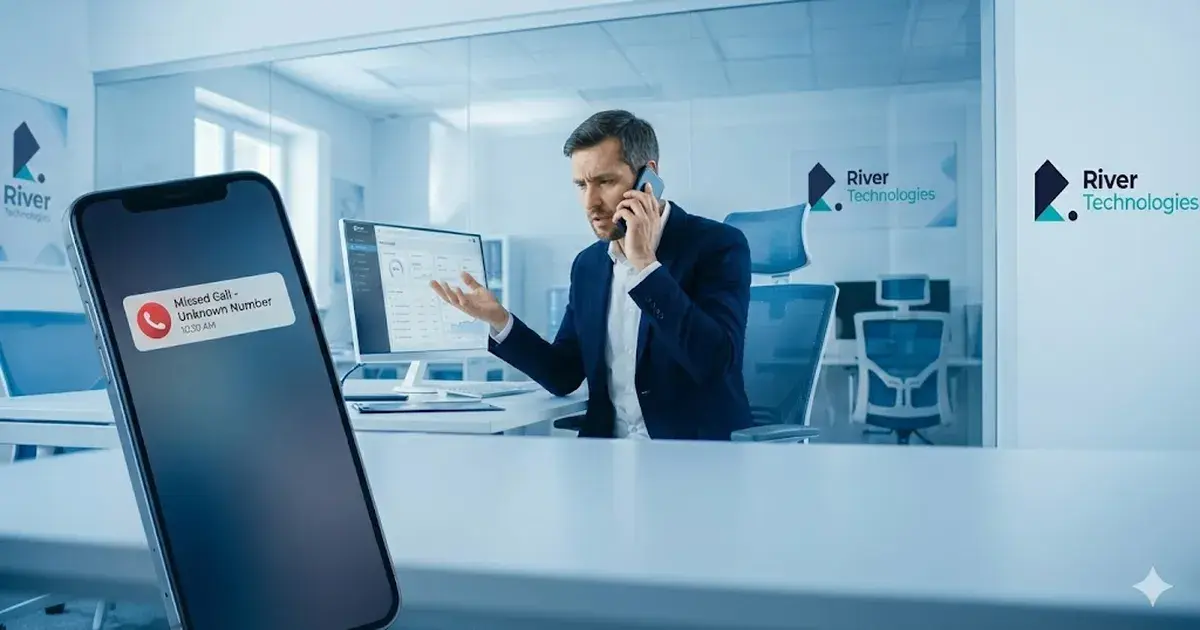
Over the past 48 hours, I’ve received two separate reports from customers who discovered that potential clients couldn’t reach them by phone. In both cases, the callers weren’t saved as contacts in their address books, and the calls simply weren’t getting through.
The culprit? A recent iOS update that enabled Apple’s new call screening feature. While this feature can be useful for filtering spam calls, it has an unintended consequence for business owners: if you’re waiting for enquiries from new customers, those calls might never reach you.
Why This Matters for Your Business
When you’re running a business, every missed call could be a missed opportunity. New customers, potential leads, and important enquiries often come from numbers you don’t have saved. If your iPhone is automatically screening these calls, you might not even know someone tried to reach you.
How to Fix It
Fortunately, disabling this feature is straightforward:
Open your Settings app
2. Search for “Phone” and select the Phone app’s settings
3. Scroll down to “Call Screening” near the bottom of the page
4. Select “Never”
This ensures that all calls will ring through normally, and any missed calls will appear in your Recents list.
Understanding Your Options
Apple provides three settings for unknown callers:
**Never**: All calls ring through normally, regardless of whether the number is in your contacts
– **Ask Reason for Calling**: Unknown callers are prompted to provide information before your phone rings
– **Silence**: Unknown calls are silenced, sent to voicemail, and listed in your Recents
For most business owners, “Never” is the safest choice to ensure you don’t miss important calls.
The Takeaway
Technology features designed to protect us from spam can sometimes have unintended consequences for how we do business. If you rely on your iPhone for business calls, it’s worth taking a moment to check your call screening settings.
Have you experienced this issue, or do you have other tech tips for small business owners? We’d love to hear your thoughts.
*Need help optimising your business technology? Get in touch with River Technologies to discuss how we can support your business communications.*
For businesses integrating mobile with their office phone system, visit our VoIP & Cloud Telephony page and our Business Mobile service — or get in touch and we'll review your setup.
Contact River Technologies
Speak to the team at River Technologies about your business challenges and lets work together to find you th right solution, call 01772 419 150 or email sales@rivertechnologies.co.uk